Master Collection Vol. 2 Launch Issues: Xbox Physical Disc Truth, MGS4 Audio Mixing, and PC Control Bugs
We break down the first weekend of Master Collection Vol. 2, from the surprising reality of the Xbox physical disc to game-breaking PC weapon bugs and audio mixing woes.
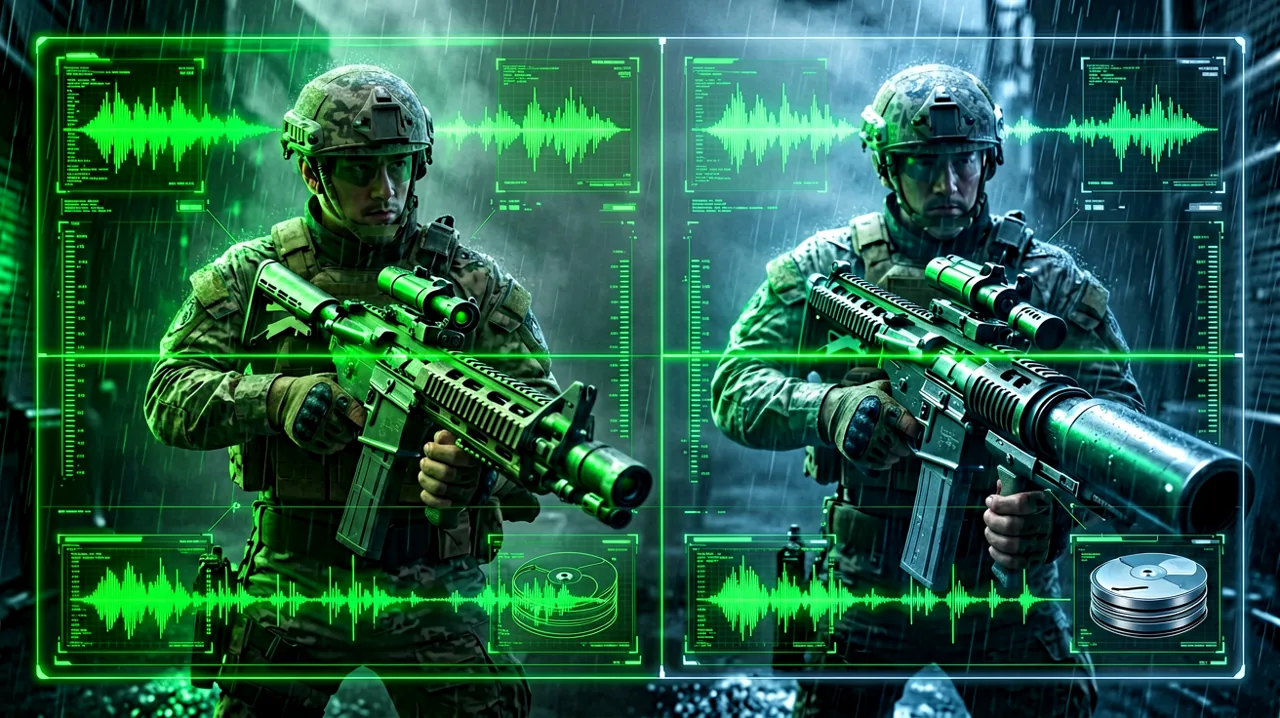
Launch weekend for Metal Gear Solid: Master Collection Vol. 2 is finally upon us. Players worldwide are boots on the ground, revisiting the dense battlefields of MGS4: Guns of the Patriots, managing Mother Base in Peace Walker, and sneaking through the isometric fortress of Ghost Babel. But as is tradition with complex modern porting projects, the community has immediately run into a mixture of pleasant surprises and frustrating technical hurdles.
In this report, we are rounding up the most significant findings from the first 24 hours of release. From a massive win for physical game preservationists on the Xbox platform to a handful of bizarre bugs afflicting PC controls and audio mixing, here is everything you need to know about the current technical state of the collection.
The Xbox Physical Edition: Defying the Download Warning
Physical media collectors have been holding their breath ever since the box art for the Xbox Series X edition of Master Collection Vol. 2 surfaced with a dreaded “Requires Content Download” banner plastered across the front. Given the controversies surrounding the fragmented physical release of Master Collection Vol. 1, where the cartridge barely held the MSX titles and forced massive downloads, expectations for Vol. 2 were understandably at rock bottom.
However, community reports have confirmed an incredible twist: the cover warning is essentially a lie. According to early buyers who deliberately tested the disc completely offline, the entire suite of games is fully included on the physical media. When you insert the Xbox Series X disc, it installs a complete 33.5GB package. This includes the full current-gen (XboxGen9) builds of both MGS4 and Peace Walker, as well as Ghost Babel, which is smartly tucked away inside the bonus content launcher.
So, why the ominous warning on the packaging? The culprit appears to be a systemic quirk with the Xbox operating system rather than missing game data. When attempting to boot MGS4 strictly offline, players are greeted with aggressive cloud save connection errors. The game repeatedly attempts to force a cloud sync, requiring users to manually press the “Play Offline” prompt multiple times before it finally relents and loads the main menu. It seems the publisher opted to slap a download warning on the box simply to cover their bases regarding these mandatory online checks, rather than paying for a smaller disc and forcing a true game download. For players concerned about which platform to choose, this makes the Xbox Series X physical copy an absolute must-own for preservation.
PC Port Woes: The Masterkey Keyboard Glitch
While the console versions are enjoying relative controller stability, the PC (Steam) release is experiencing growing pains, specifically regarding its mouse and keyboard control scheme. MGS4 relies heavily on a granular weapon customization system. Using Drebin points, you can strip and rebuild assault rifles with varying scopes, suppressors, lasers, and underbarrel attachments. For many veterans looking to maintain a strict non-lethal playthrough, the Masterkey—an underbarrel shotgun attachment that can be loaded with V-Ring rounds—is an essential tool for crowd control and CQC follow-ups.
Unfortunately, players relying on mouse and keyboard inputs are currently unable to use or reload the Masterkey attachment. The core issue lies in how the game translates the original dual-analog button combinations to a digital keyboard. On a standard gamepad, toggling weapon attachments and firing secondary modes works flawlessly. But on PC, no amount of key remapping allows the Masterkey to fire. Hitting the designated alternate fire key simply results in a dead input.
If you are currently playing the PC version and working through our MGS4 Beginner Guide, you will absolutely want to keep a gamepad plugged in. Until a patch addresses the mouse and keyboard bindings, relying on underbarrel weapons is a surefire way to get yourself killed during high-stakes alerts. You are better off sticking to standalone non-lethal weapons or relying on standard CQC slams rather than trying to weave underbarrel blasts into your offensive combos.
MGS4 Audio Mixing: Whispers and Explosions
Another glaring issue that has surfaced across multiple platforms is a severe imbalance in MGS4’s audio mixing. Guns of the Patriots was originally celebrated for its groundbreaking uncompressed 7.1 surround sound mix, utilizing the massive storage of the Blu-ray format to deliver a highly cinematic auditory experience. Sadly, something has been lost in translation during the porting process for modern hardware.
Players are widely reporting that the volume equalization is entirely skewed. During the extensive real-time cutscenes, character dialogue is incredibly faint. When you first encounter the arms dealer Drebin, the conversation is practically a whisper, forcing players to crank their TV or headset volume just to hear the lore exposition. But moments later, when Otacon calls via the Codec screen, his voice booms through the speakers at a deafening volume. The in-game tactical chatter from PMC soldiers and the metallic screeching of Gekkos are similarly overpowered compared to the quiet cutscene dialogue.
At present, the game’s internal audio settings do not offer granular enough sliders to fix this manually; there is no separate “Cutscene Voice” versus “Codec Voice” slider. PC players might be able to use third-party audio equalizers to compress the dynamic range, but console players are currently stuck riding the volume button on their remotes. This is a critical atmospheric flaw that we expect to see addressed in a future update, as it actively detracts from the storytelling.
Peace Walker’s Subtitle Blackout Bug
Moving over to the portable classic included in the collection, Peace Walker has its own bizarre launch week glitch. The game relies heavily on text and subtitles. Whether you are interrogating enemies in Costa Rica for Outer Ops intel, listening to Huey’s mechanical explanations, or just trying to understand the heavily accented dialogue during mission briefings, you need your subtitles to fully grasp the situation.
However, community testing has revealed a highly reproducible bug: using the equippable Camera item permanently disables all in-game subtitles. Once you snap a photo in the field, enemy chatter text disappears, and subsequent Codec calls will no longer display text transcriptions. This UI blackout remains active for the duration of your session.
The camera is not just a novelty gimmick in Peace Walker; it is actively required for specific side operations, earning certain emblems, and photographing hidden ghosts in extra ops. Triggering this bug essentially forces you to play blind to enemy status updates, severely hampering your ability to efficiently manage Fulton extractions and build your Mother Base roster. If you are referencing our Peace Walker Beginner Guide to optimize your staff recruitment, our immediate advice is to unequip the camera entirely until a hotfix is deployed. If you absolutely must take a photo for a mission requirement, be prepared to save and fully restart the game application afterward to restore your UI elements.
The Silver Lining: Handheld PC Performance
Despite these specific control and audio bugs, the underlying engine optimization for the PC builds appears incredibly robust—perhaps more than anyone anticipated. While we already expected the collection to run well on standard x86 handhelds like the Steam Deck and ROG Ally, the community is taking it a step further.
Enthusiasts have reportedly managed to get the Steam build of MGS4 running flawlessly on Android-based emulation handhelds, specifically the Retroid Pocket 6, using translation layers like GameNative. Reports indicate that the game is maintaining a rock-solid 30fps at 1080p resolution on max settings on these incredibly small, low-power ARM devices.
This is a monumental technical achievement when you consider the historical context. For over a decade, MGS4 was considered the white whale of software emulation, requiring brute-force desktop CPUs to run decently via RPCS3. The fact that the native PC port in Master Collection Vol. 2 is lightweight enough to run beautifully on pocket-sized Android hardware proves that the development team fundamentally cracked the notorious Cell Broadband Engine architecture. It transforms MGS4 into a truly portable experience, something fans have dreamed of since the PlayStation Vita era.
Awaiting the First Patch
The launch state of Master Collection Vol. 2 is a mixed bag, though undeniably weighted toward the positive. The inclusion of the full offline data on the Xbox physical disc is a massive victory for game preservation, and the sheer performance overhead on PC opens the door for incredible handheld gaming across multiple architectures.
However, the audio mixing imbalances in MGS4, the broken keyboard controls for complex weapons, and the UI-breaking camera bug in Peace Walker are immediate roadblocks that tarnish an otherwise stellar technical achievement. We will be closely monitoring the publisher’s communication channels for a post-launch roadmap and will update our guides as soon as these early quirks are ironed out. In the meantime, keep your controllers plugged in, avoid the camera in Costa Rica, and keep a hand near your volume dial during cutscenes.