Adapting MGS4 Stealth: Hold-Up Quirks and CQC Mechanics in Master Collection Vol. 2
Early community reports indicate MGS4's hold-up timing feels different on modern hardware. Prepare for the Master Collection Vol. 2 with our detailed stealth and CQC breakdown.
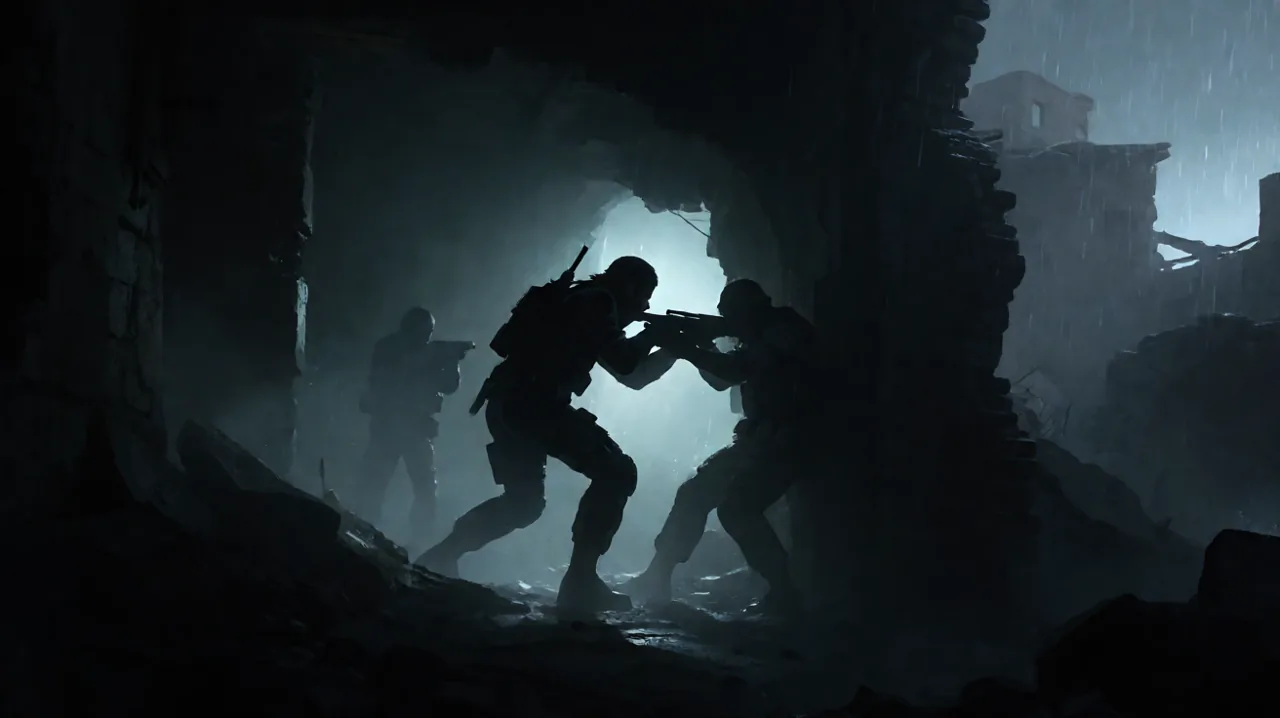
The launch of Metal Gear Solid: Master Collection Vol. 2 is rapidly approaching, bringing some of the most intricate stealth action experiences in history to the PlayStation 5, Xbox Series X|S, Nintendo Switch, Nintendo Switch 2, and PC. While fans are eager to experience the legendary conclusion of the Solid Snake saga on modern displays, the transition from legacy hardware to contemporary platforms inevitably brings a unique set of gameplay adjustments. This is perhaps most evident in Metal Gear Solid 4: Guns of the Patriots, a title famously bound to the specific hardware quirks of the PlayStation 3.
According to community members exploring early pre-release builds and preview access, the shift away from the PS3’s original controller architecture has introduced some subtle, yet noticeable, changes to the game’s Close Quarters Combat (CQC) and stealth mechanics. Chief among these early observations is a strictness in the game’s classic “Hold-Up” maneuvers, prompting players to rethink their approach to non-lethal tactical infiltration.
Here is a breakdown of how the Master Collection Vol. 2 handles these legacy inputs, why the execution timing feels different, and how you can master CQC to maintain absolute stealth across modern platforms.
The Hardware Shift: Leaving Pressure Sensitivity Behind
To understand the reported changes in MGS4’s gameplay feel, we have to look back at the hardware it was originally built for. In 2008, the PlayStation 3’s DualShock 3 controller featured analog, pressure-sensitive face buttons. The game’s engine utilized this hardware feature extensively to map multiple actions to a single button. For example, a light, partial press of the weapon button allowed Old Snake to raise his assault rifle and aim without firing—an essential input for sneaking up behind a Private Military Company (PMC) soldier and demanding they surrender. A hard press, conversely, would fire the weapon.
Modern controllers across the PS5, Xbox, and Nintendo Switch lineups rely on purely digital face buttons (meaning a button is simply pressed or not pressed, with no variable input). Just as we saw in the first Master Collection when it adapted Metal Gear Solid 3, the development team must map these pressure-sensitive actions to alternative button combinations or reconfigure the input logic entirely. While the exact final control scheme for the commercial release of Vol. 2 is still being fine-tuned, these underlying engine adjustments are expected to be responsible for the slight alterations in how the game interprets a player’s intent during tense stealth interactions.
Community Intel: The Hold-Up “Delay”
Players who have managed to get hands-on time with early builds are noting that holding up enemies feels noticeably more demanding than veterans might remember. As highlighted by Reddit user opnanobot, approaching an enemy from behind can sometimes result in an immediate alert rather than a successful hold-up, even when positioned seemingly perfectly.
The community reports indicate that moving while attempting to raise your weapon behind a guard can cause the engine to misinterpret the action. On modern digital inputs, the game might fail to buffer the “aim” command quickly enough, resulting in Snake physically bumping into the enemy’s collision box and breaking their patrol state into a combat alert. Furthermore, players have found that they must come to a complete, dead stop behind the target and wait for a microscopic delay before aiming their weapon to guarantee the non-lethal command triggers correctly. If you find yourself struggling with this in the upcoming release, rest assured it is a byproduct of modern digital inputs communicating with a highly specialized 2008 game engine.
How to Execute Consistent Hold-Ups in Vol. 2
To adapt to these modern control quirks and secure your non-lethal takedowns, you will need to adjust your infiltration habits. Based on the mechanics of the engine and current community feedback, here is the safest method to hold up guards consistently:
- Utilize the Stalking Walk: Do not rely on simply tilting the analog stick slightly, as digital deadzones vary between modern controllers. Use the dedicated stalking movement, which is expected to be mapped to the D-pad (similar to its original implementation). Stalking completely muffles footsteps, preventing guards from hearing your approach on high-alert difficulty settings.
- Maintain a Micro-Distance: Do not press your character model directly against the guard’s back. Stop about one virtual foot away to ensure you do not trigger the physical collision detection, which can instantly alert the enemy on modern, smoother framerates.
- The Complete Stop: This is the most crucial step. Once in position behind the guard, let go of the movement stick entirely. Ensure Snake has returned to a completely neutral standing or crouching animation.
- Raise the Weapon: Only after coming to a full stop should you press the aim button. This clear, sequential input prevents the engine from confusing a movement command with a combat action, ensuring the hold-up command is delivered reliably.
For more foundational tips on navigating the battlefield, you can review our MGS4 beginner guide.
Expanding Your Arsenal: Essential CQC Mechanics
If a hold-up attempt goes sideways, or if you prefer a more physical approach to stealth, MGS4 features one of the most robust CQC systems in the franchise. With pressure sensitivity gone, learning how to execute these moves without accidentally killing your target is paramount for high rankings.
Chokes vs. Lethal Takedowns
Originally, grabbing a guard and pressing the CQC button lightly would initiate a chokehold, while a firm press would result in Snake using his knife. In the Master Collection Vol. 2, expect this to be split into distinct digital inputs. You will reportedly hold the primary CQC button to maintain the grab, and then be required to press a secondary face button (such as Triangle on PlayStation or Y on Xbox) to execute a lethal slit. If you are aiming for a non-lethal run to earn the coveted Big Boss emblem, avoid that secondary button entirely. You can repeatedly tap the CQC button to choke the guard into unconsciousness without spilling blood.
CQC Slams and Disarms
Running towards an enemy and pressing the CQC button while tilting the analog stick will result in a heavy throw, immediately knocking the guard flat on their back. This is incredibly useful for crowd control when you are cornered. Additionally, aggressively throwing an enemy often causes them to drop their primary firearm. Picking up these dropped weapons is a core strategy, as any duplicate guns are automatically converted into Drebin Points—the game’s economy system used to unlock attachments and custom ammunition.
Leveraging OctoCamo and the Threat Ring
Before you can perform a hold-up or a CQC slam, you have to close the distance unseen. MGS4 provides two vital tactical tools for this: the OctoCamo suit and the Threat Ring.
The OctoCamo automatically mimics the texture and color of any surface you press against, drastically increasing your Camo Index. Whether you are lying in the dirt of a warzone or pressing flat against the metal bulkheads of a base, always pause for a few seconds to let the suit shift its pattern before moving forward. A high Camo Index reduces the distance at which enemies can spot you, giving you the necessary window to initiate a stealth takedown. Maintaining a high Camo Index also reduces combat stress, keeping your Psyche gauge healthy.
Equally important is the Threat Ring, a visual HUD indicator that surrounds Snake when he is crouching or prone. This ring visualizes ambient sounds and nearby movement, spiking in the direction of approaching enemies. Rely on the Threat Ring to track guard patrols through walls or thick smoke, ensuring you time your ambushes perfectly. For a deeper dive into the game’s overarching systems, read our analysis on essential mechanics and MGS4 strategies.
A Hidden Detail: The Legacy Mk. II Controller
While Konami has clearly had to adjust the underlying control logic to accommodate modern platforms, they have left some charming legacy details untouched for observant fans.
As previously confirmed, the developers went out of their way to ensure Otacon’s re-recorded voice lines were implemented to replace the outdated PlayStation 3 disc-swapping instructions for the PC and modern console ports. However, the physical in-game hardware tells a slightly different story.
Reddit user CrimFandango recently pointed out that the 3D model of the remote controller used to pilot the Metal Gear Mk. II drone remains completely unchanged. If you manipulate the third-person camera carefully during Mk. II scouting segments, you will clearly see Old Snake holding a classic PS3 Sixaxis/DualShock 3 controller, regardless of whether you are playing on a PS5, Switch 2, or PC. It is a tiny, easily missed detail that preserves the original era’s hardware footprint within the game world, even as the inputs themselves evolve.
Preparing for Deployment
Adapting to the Master Collection Vol. 2’s interpretation of MGS4’s controls will require a brief learning curve, especially for veterans who spent hundreds of hours mastering the nuances of the PS3 original. By understanding the shift to digital inputs, consciously separating your movement from your weapon aiming, and utilizing the vast array of CQC options, you will be able to navigate the battlefields of the future with absolute precision. Keep practicing your stalking walks, rely heavily on your OctoCamo, and you will be racking up non-lethal takedowns with ease when the collection officially arrives.
For a broader perspective on how the gameplay of these titles has evolved over the years, you can read our retrospective on from Delta to Vol. 2: How MGS4 and Peace Walker Gameplay Compares.