How to Find, Back Up, and Manage MGS4 PC Saves in Master Collection Vol. 2
Lost your MGS4 progress on PC? Learn where to locate your Master Collection Vol. 2 Steam save files, how to manually back them up, and why Act 4 is a critical milestone.
For many players, the arrival of Metal Gear Solid 4: Guns of the Patriots on PC via the Master Collection Vol. 2 is a historic moment. After being locked to the PlayStation 3 hardware for over fifteen years, the epic conclusion to the Snake saga is finally free. However, the transition to modern PC gaming environments brings its own set of challenges, particularly when it comes to data management.
Recently, a community report surfaced on Reddit where a player tragically lost their entire save file right before the Act 4: Mission Briefing because they uninstalled the game and forgot to back up their data manually. This situation highlights a crucial quirk expected in how the Master Collection Vol. 2 handles local storage on Steam. While Steam Cloud is a standard feature, older games ported through compilation wrappers sometimes suffer from sync issues, or players simply play offline and inadvertently cause a desync. If you are aiming for that grueling Big Boss rank or simply want to preserve your hard-earned Drebin Points, relying solely on automated cloud systems is a massive gamble. Manual backups are your best friend.
Where to Find Your MGS4 PC Save Files
Finding your save data for MGS4 on PC is not as straightforward as looking in your standard Windows Documents folder. Based on early community investigations and the standard structural practices of Konami’s recent Steam releases, the save files are reportedly buried deep within the Steam userdata directory.
To locate your expected save files, you will need to navigate to the installation drive where your Steam client is housed. The typical pathway looks like this:
C:\Program Files (x86)\Steam\userdata\[Your Unique Steam ID]\[Master Collection Vol. 2 App ID]\remote\
Inside this directory, the collection reportedly creates distinct folders or file clusters for each title included in the package. Because MGS4 originally used a PS3 virtual memory card system and mandatory episodic install files, the PC port expectedly translates these into raw .dat or .sav files. It is highly recommended to identify the folder modified most recently after you close the game to confirm it is your active MGS4 data. Do not alter the files directly; simply copy the entire folder to a safe location on your desktop or an external hard drive.
How to Manually Back Up Your Progress
Taking control of your own backups ensures that a rogue uninstallation or a Steam Cloud error won’t wipe out dozens of hours of tactical espionage action. Here is the safest community-recommended procedure to secure your Master Collection Vol. 2 progress:
- Disable Steam Cloud Sync Temporarily: Before messing with any files, right-click the game in your Steam Library, navigate to Properties, and toggle off the Steam Cloud option. This prevents the client from overwriting your local files while you are in the middle of copying them.
- Locate and Copy: Navigate to the
userdatapath mentioned above. Copy the entire folder associated with the game. - Create a Version History: Do not just overwrite the same backup folder every time. Create a custom folder structure named by date and in-game Act (e.g.,
MGS4_Backup_Act3_Europe). This is especially critical if you are attempting a zero-alert, zero-kill run and need to roll back to a previous checkpoint after a catastrophic mistake. - Restore When Needed: If you ever need to restore the data, simply paste your backed-up folder back into the
userdatadirectory, overwriting the current files, and launch the game.
Why Act 4 is the Worst Place to Lose Your Save
The Reddit user who lost their data was specifically asking for a save file starting at the Act 4: Mission Briefing. Anyone who has played the original release understands why losing progress at this exact moment is absolutely devastating.
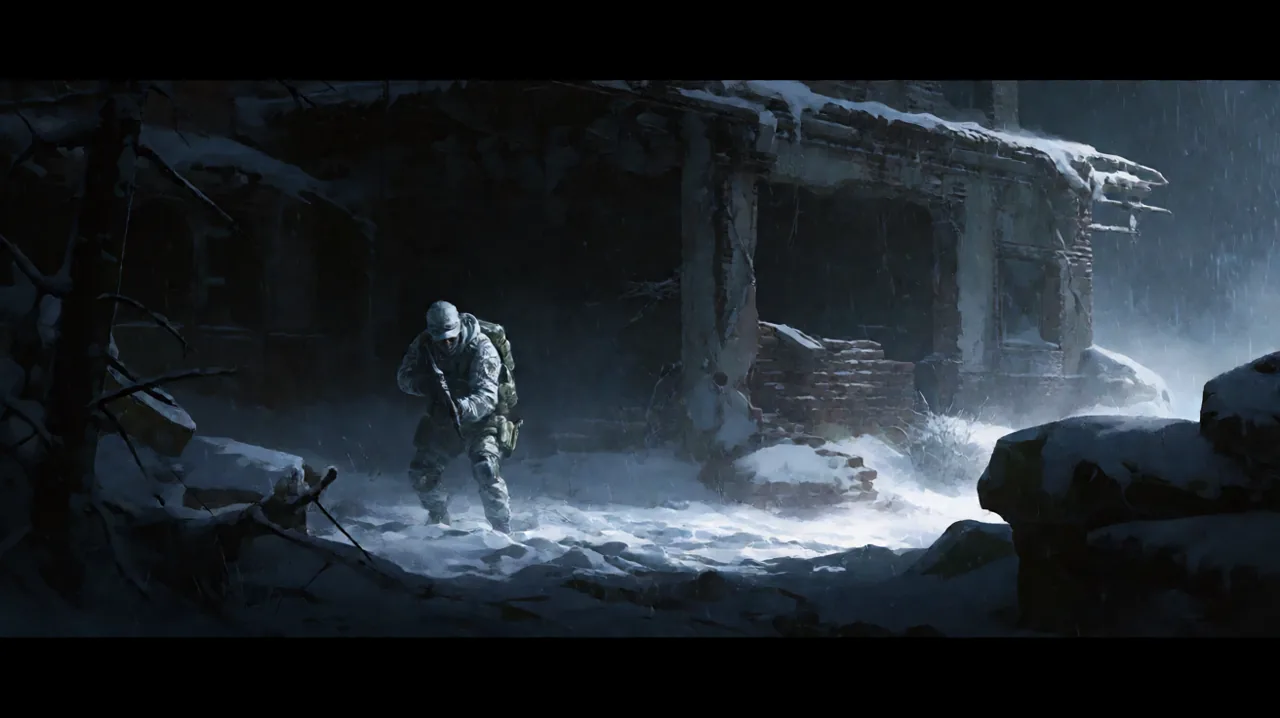
Act 4 represents a massive narrative and mechanical shift in the campaign. Without delving into heavy story spoilers, this act strips away some of the modern battlefield conveniences you have grown accustomed to in the Middle East, South America, and Eastern Europe. You are thrust back into an isolated, freezing environment heavily dripping with nostalgia.
From a gameplay perspective, Act 4 forces you to rely intensely on your core stealth mechanics. The OctoCamo suit becomes your absolute lifeline in the snowy blizzards. Unlike previous acts where you could easily blend into urban rubble or jungle foliage, the stark white and industrial grey textures require precise positioning to maintain a high camouflage index. Furthermore, your reliance on classic CQC (Close Quarters Combat) increases drastically because certain areas restrict your ability to freely go loud without triggering overwhelming reinforcement waves.
Playing this specific act on PC at an expected 4K resolution and 60fps is a breathtaking experience, completely transforming the muddy textures of the original hardware. However, this high-fidelity presentation makes backing up your save even more imperative—you do not want to miss experiencing the visually upgraded environments because of a lost file. While players on PS5, Xbox Series X|S, and the upcoming Switch 2 will rely entirely on their console’s proprietary cloud services for backups, PC players have the freedom (and the responsibility) to manage their data locally.
Act 4 Survival & Loadout Prep
If you are currently approaching Act 4, or if you managed to secure a backup save to replay it, preparation is everything. The enemies you face here—specifically the unmanned Dwarf Gekkos (often called Scarabs)—behave entirely differently than standard PMC soldiers. They swarm, they stick to walls, and they have a completely distinct cone of vision.
Before you trigger the Mission Briefing, ensure you have spent your Drebin Points wisely. You will want to stock up on Chaff Grenades if you have found any, as they temporarily disable the Scarabs, allowing you to sprint through heavily guarded corridors undetected. Upgrading your tranquilizer pistol (Mk. 22) and securing a solid sniper rifle is also non-negotiable, as Act 4 features one of the most intense sniper duels in the entire franchise. If you are struggling with the subsequent finale, you might want to review our Act 5 survival guide.
Additionally, intelligence gathering remains a core pillar. During the briefing and the early stages of the infiltration, pay close attention to your codec calls. Otacon provides critical environmental intel that is easily missed if you skip the dialogue. Since you are operating in an abandoned facility, you cannot rely on your remote mobile terminal for scouting as freely as you did in previous acts. You have to physically peek corners, utilize the Solid Eye’s night vision and thermal modes to spot cloaked threats, and carefully monitor your battery consumption. Running out of Solid Eye battery in the middle of a blizzard while surrounded by unexploded ordnance is a death sentence on Hard or Extreme difficulties.
Can You Use Community Save Files?
This brings us to the ultimate question: if you lose your save, can you just download a community save file from Reddit or a forum, like the user requested?
Historically, PC ports of console games implement some form of account binding. Community reports indicate that MGS4 save files in the Master Collection Vol. 2 might be tied to your specific Steam ID. If you simply drop another player’s save file into your userdata folder, the game may flag it as corrupted or refuse to load it entirely.
If the modding community develops a save-resigning tool (similar to what existed for the PS3 architecture), this might change. However, as of right now, using downloaded saves is risky. Even if you manage to load the file, it will likely disable Steam achievements for that playthrough. If you are hunting for the Platinum trophy equivalent on Steam, using a foreign save will invalidate your run. The game tracks every alert, kill, and item used from the very first cutscene.
Furthermore, the internal game logic tracks your weapon procurement and Drebin Points intricately. A downloaded save might saddle you with a loadout completely unsuited to your playstyle. You might inherit a save file where the previous player squandered all their points on lethal assault rifles, leaving you with zero non-lethal ammunition right before a boss fight where stamina depletion is highly rewarded. The beauty of the game lies in your personal progression and tactical choices.
What About Peace Walker and Ghost Babel Saves?
While MGS4 requires strict linear save management, the other titles in the collection operate differently. Metal Gear Solid: Peace Walker relies heavily on a mission-based structure centered around Mother Base. Because Peace Walker originally supported “Transfarring” (moving saves between PSP and PS3), its PC file structure is expected to be slightly more modular, potentially allowing for easier cross-platform transfers or individual Mother Base progression backups.
Metal Gear: Ghost Babel, originally a Game Boy Color title, is expected to utilize standard emulator save states alongside its classic password system. Losing a Ghost Babel save is less punishing if you have written down the level passwords, but you would still lose your specific scoring times and ranking data for the VR training missions.
Ultimately, the Master Collection Vol. 2 is a massive package demanding hundreds of hours to fully master. Don’t let a simple uninstallation or a cloud sync error erase your history. Back up your files, prep your OctoCamo, and keep your codec frequency tuned for more community updates.